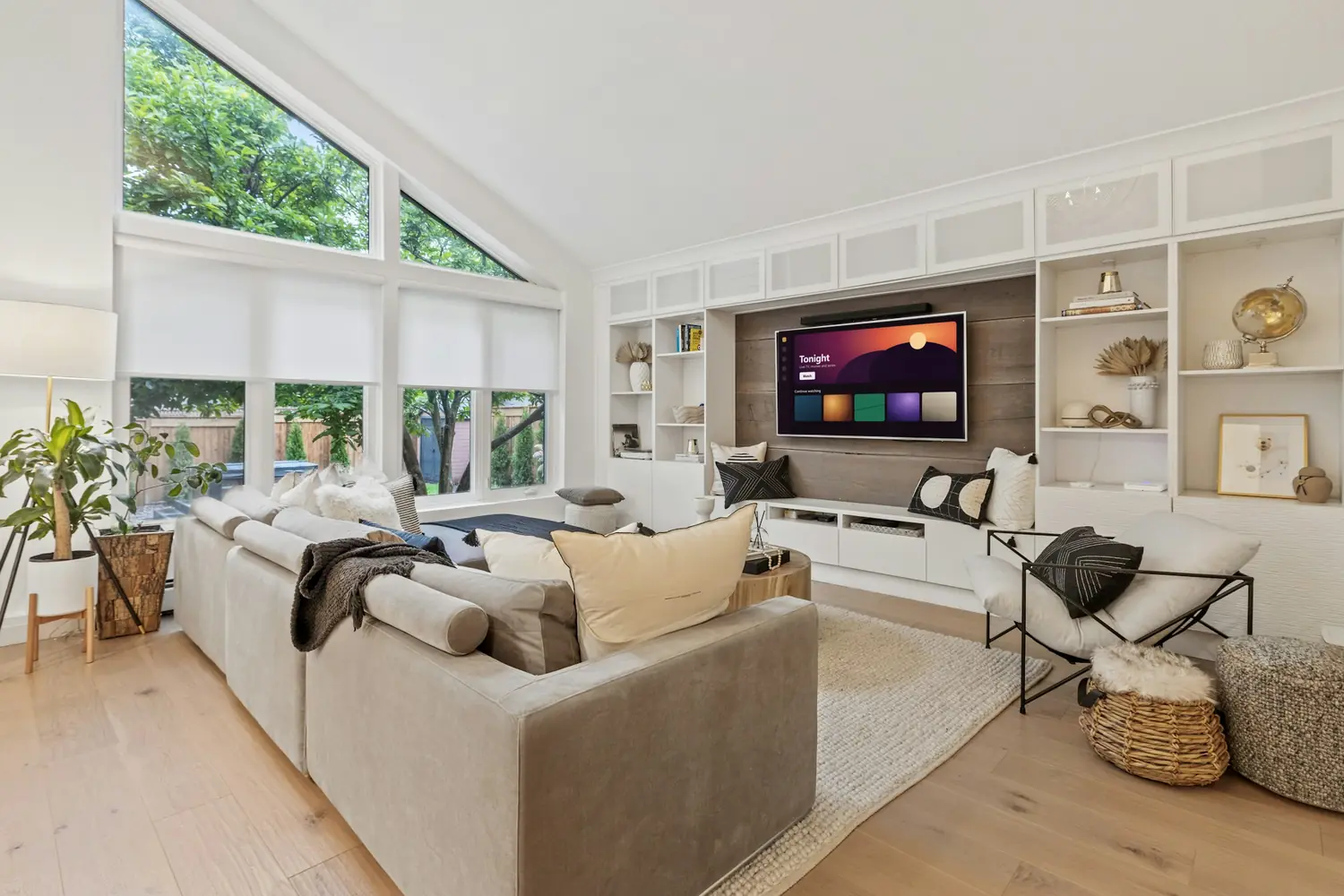
Movies and series
An on-demand library to browse in your player app, for the nights nothing live appeals.
How on-demand worksQuestions before you buy? The desk answers on WhatsApp and by email.
Internet TV, with a front desk
Yeah IPTV brings live national and international channels, movies, series and sports to the screens you already own, over your home internet. Ask us anything first. We will check your device, help you pick a plan and stay with you through setup.

$17 for one month, down to $5.42 a month on the annual plan.
Send us your model and we will confirm it before you spend anything.
Step-by-step guidance on WhatsApp or by email, for every plan.
Read our refund policy before you decide.
The short explanation
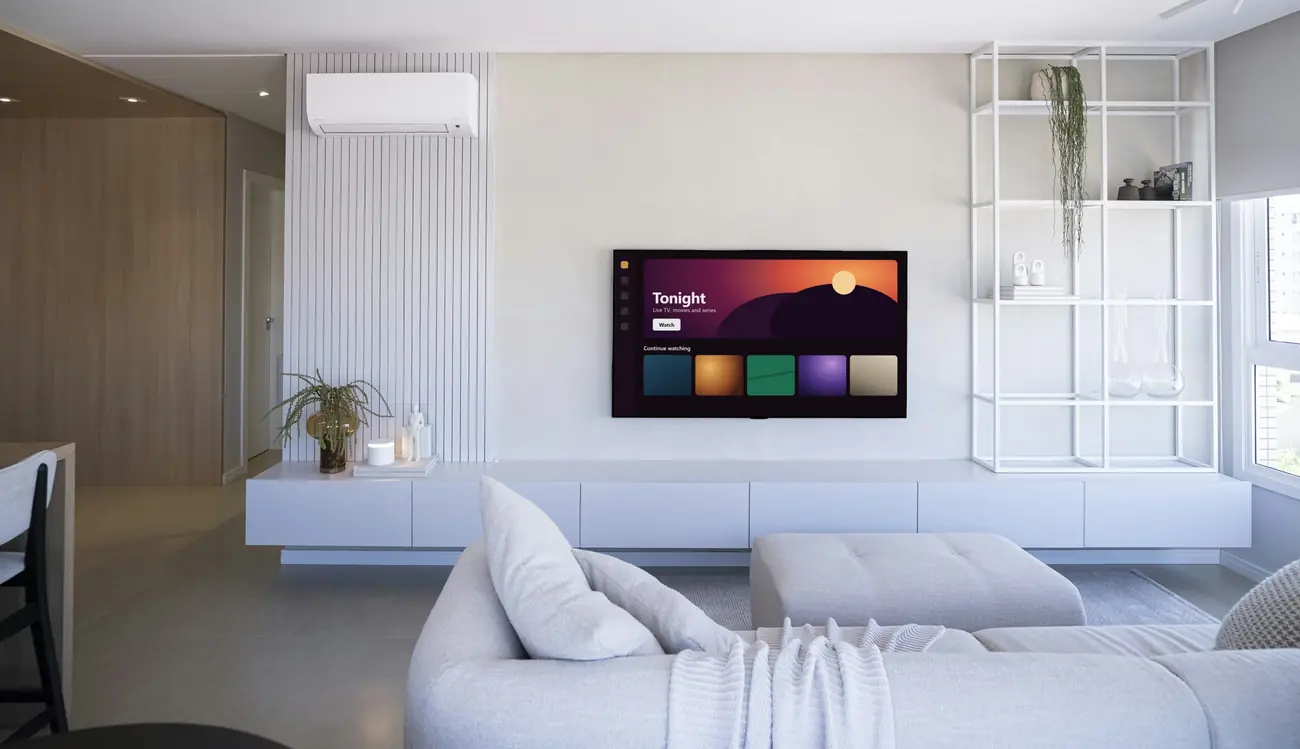
IPTV simply means television delivered over the internet. Instead of a cable in the wall or a dish on the roof, you open an app, sign in and watch. Setting up Yeah IPTV takes one app and one set of login details.
What it needs from you: a steady broadband connection and a supported device. It does not replace an emergency alert service, so keep another way to get those.
What you can watch
You will not find a wall of logos or a giant number here. Line-ups change and availability can vary, so tell us what you actually watch and we will check it for you before you pay.
An on-demand library to browse in your player app, for the nights nothing live appeals.
How on-demand works
Premium, news, family and entertainment, including channels from outside the US.
Browse the categories
Sports channels, plus straight advice on the connection you want for game time.
Read about live sports
How it works
Message us with your device and what you like to watch. We confirm whether it will work, and we are just as happy to tell you if it will not.
Pick 1, 3, 6 or 12 months. We confirm the price and how to pay in writing, so nothing comes as a surprise.
We send your login details and tell you which player app to use on your device. Stuck on a step? Send a photo of your screen.
If something changes later, like a new TV or a stream acting up, you message the same desk.
Compatibility
If your TV has an app store, you can usually install a player app directly, with no extra box. Sets from the last few years are the safest bet.
Check first: Older models can lose app support. Send us the model number from the sticker on the back and we will check it.
Set up IPTV on a smart TVA streaming stick turns any TV with an HDMI port into a smart TV. It is also the simplest fix when the built-in apps on a TV have stopped updating.
Check first: First-generation sticks can feel slow. Newer ones handle live TV noticeably better.
Set up IPTV on a Fire TV StickAndroid gives you the widest choice of player apps, on a TV box or on the phone in your hand. Google Play is the place to start.
Check first: Avoid uncertified no-name boxes. They often ship with outdated software that is hard to keep secure.
Set up IPTV on AndroidInstall a player from the App Store on an Apple TV 4K or Apple TV HD, then use the same details on your iPhone or iPad.
Check first: Some player apps charge their own one-time fee. We will tell you before you install if yours does.
Set up IPTV on Apple TVA computer works well for a second screen in the office or the guest room. A desktop player app is usually smoother than watching in a browser.
Check first: Not sure about yours? Tell us your device and we will give you a straight answer.
See every compatible device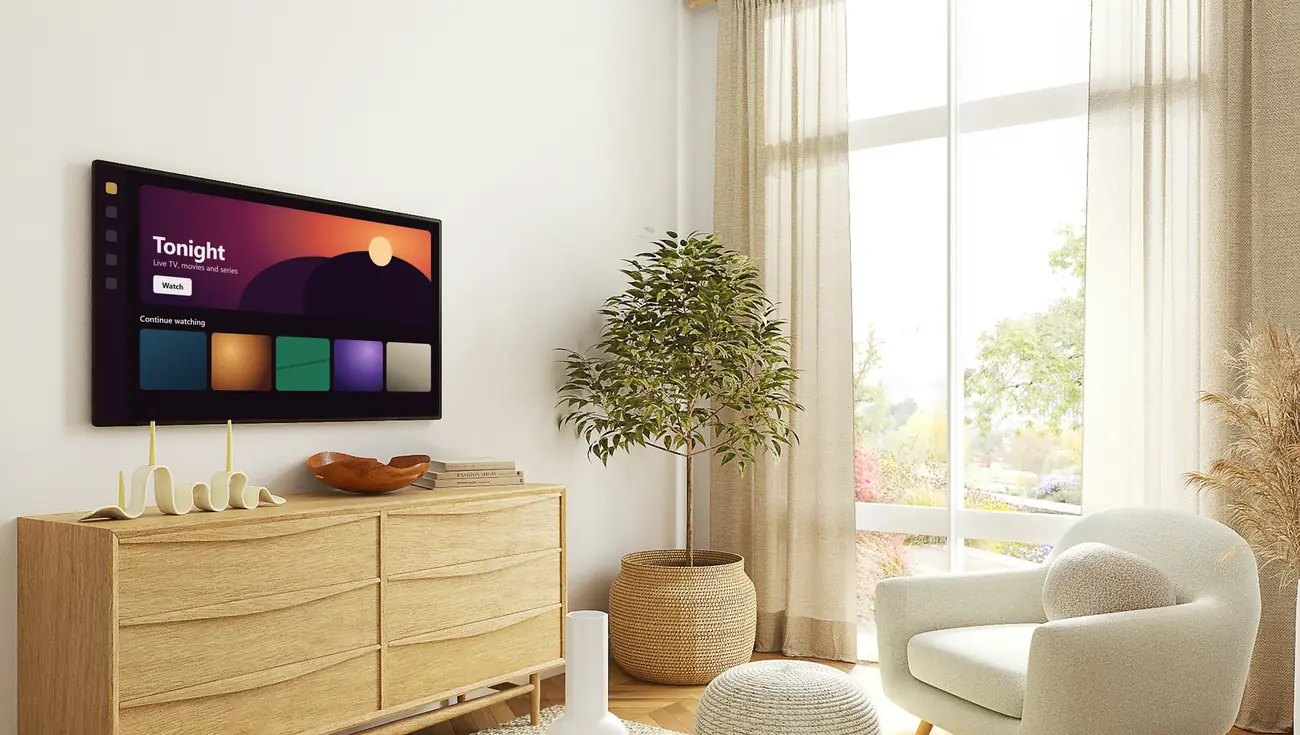
Plans and prices
Every Yeah IPTV plan has the same service and the same support desk behind it. Longer plans simply cost less per month. Choosing a plan opens a chat with the desk, so nothing is charged until you have confirmed it.
Prices are in USD. Your bank may add its own fees for international payments. Compare every plan in detail.
Before you decide
Everything you might want to know before sending money to a streaming service you found online.
Our refund terms are in writing. Tell us what went wrong first, because most setup problems can be fixed. Read the refund policy.
The desk confirms the amount and how to pay before you send anything. We never ask for a card PIN or a one-time code. How to pay safely.
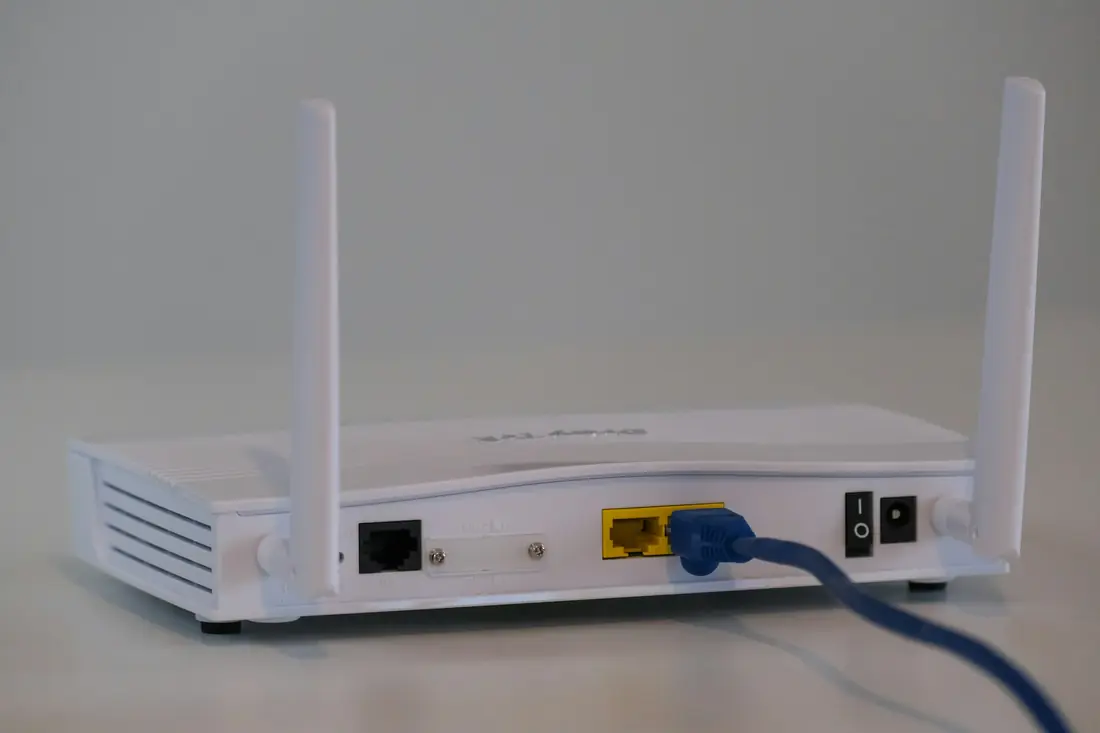
Steady broadband and a supported device. If your internet is slow or capped, we will say so, because IPTV will not be a good fit. Check your device.
Any one channel, league or title for your whole plan. Line-ups can change, and a stream can have a bad night. If a specific thing matters most to you, ask us first.
This website is yeahiptvhd.com, and other sellers use similar names. We can only answer for orders made through this site and our own support line.

Support
Our desk helps with the setup, the questions you feel silly asking, and the evening your stream decides to freeze. Here is what gets you the fastest answer:
Yeah.
Not quite.
Example households, to show how plans fit. These are not customer reviews.

Wants one simple app on the living room TV and a number to message if it misbehaves. Often starts with a month, then moves to the annual plan.

Needs a line-up for several ages and a stick for the older bedroom TV. Three or six months lets them see how it fits family life.
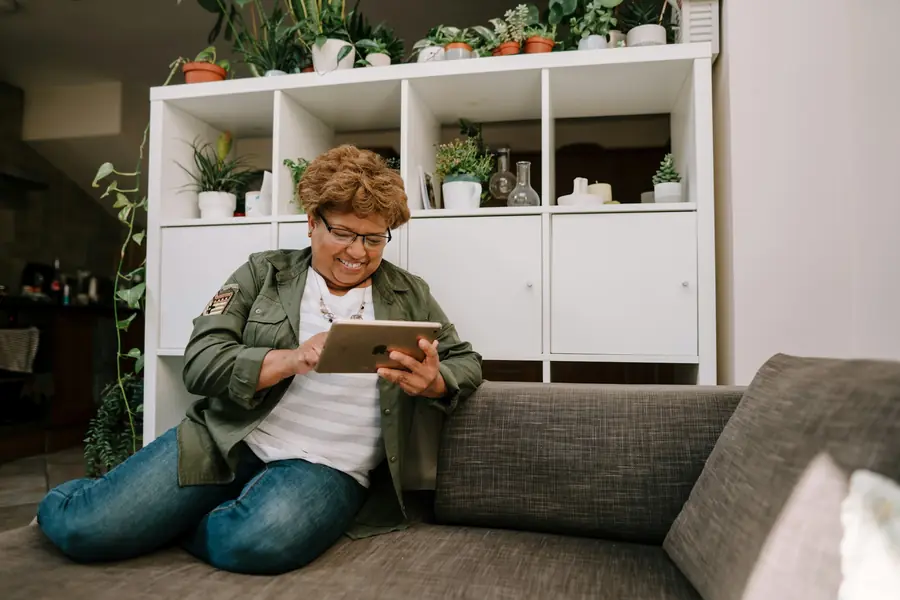
Watches around the apartment and has no use for a cable box. Wants to confirm it works on the tablet first, then chooses a plan.
Yeah IPTV questions
Do you have a question we have not covered? Ask the desk. It is what we are here for.
Yeah IPTV is a subscription that delivers live TV channels, movies, series and sports over your internet connection instead of a cable or dish. You watch through a player app on a smart TV, streaming stick, phone, tablet or computer, using login details we send you.
This is our only website.
Several businesses online use similar names, and we can only answer for this one. Our website is yeahiptvhd.com and our support line is +212781768546. If someone contacts you from another address claiming to be us, check with us before you pay.
Usually not.
Most smart TVs from recent years can install a player app. If yours cannot, an inexpensive streaming stick plugged into the HDMI port is normally all you need. Send us your model and we will tell you which applies.
It depends on the picture you want.
As a rule of thumb, allow around 10 Mbps for one HD stream and 25 Mbps for one 4K stream, plus the same again for each extra screen playing at once. A steady connection matters more than a high peak, so test on the TV itself in the evening. Our ten-minute internet check walks you through it.
Yeah, please do.
Tell us exactly what you want to watch and we will tell you what we can see available today. Line-ups change and availability can vary, so we would rather you ask first than find out later.
The desk confirms the amount and the available payment options in writing before you send anything. We will never ask for your card PIN or a one-time security code. Our paying safely page explains what to look for.
Message the desk with your device, the app you use and what you see on screen. A photo helps. We will work through it with you, and our support page lists the first checks you can run yourself.
+212 is the country code for Morocco, where our WhatsApp support line is registered. Messages travel over your internet connection or mobile data like any other WhatsApp chat, so you do not pay international call rates to message us.